Payments, orders, errors, deploys, support tickets. Hookfire catches them from 54 services out of the box, or, on Max, from any webhook you point at it. Everything lands in one feed and goes straight to your phone, and on Max you decide which teammates get which events.
Use cases
Hookfire is built for the moments you do not want to miss.
Get notified the moment you make money. No more refreshing Stripe to see whether someone paid.
Know instantly when someone reaches out through Zendesk, Crisp, Intercom, or your support stack.
Catch failed events, critical errors, and important deploy updates before they become bigger problems.
If it can send a webhook, Hookfire can notify you. Stripe, GitHub, or, on Max, your own events.
And a lot more besides.
Filters, priorities, quiet hours, link buttons, delayed delivery, expiry, summaries, delivery analytics, replay, chat channels, forwarding and an MCP server for AI assistants, each with the plan it comes on.
The app
Instant notifications, rich event details, and integration status. All at a glance.
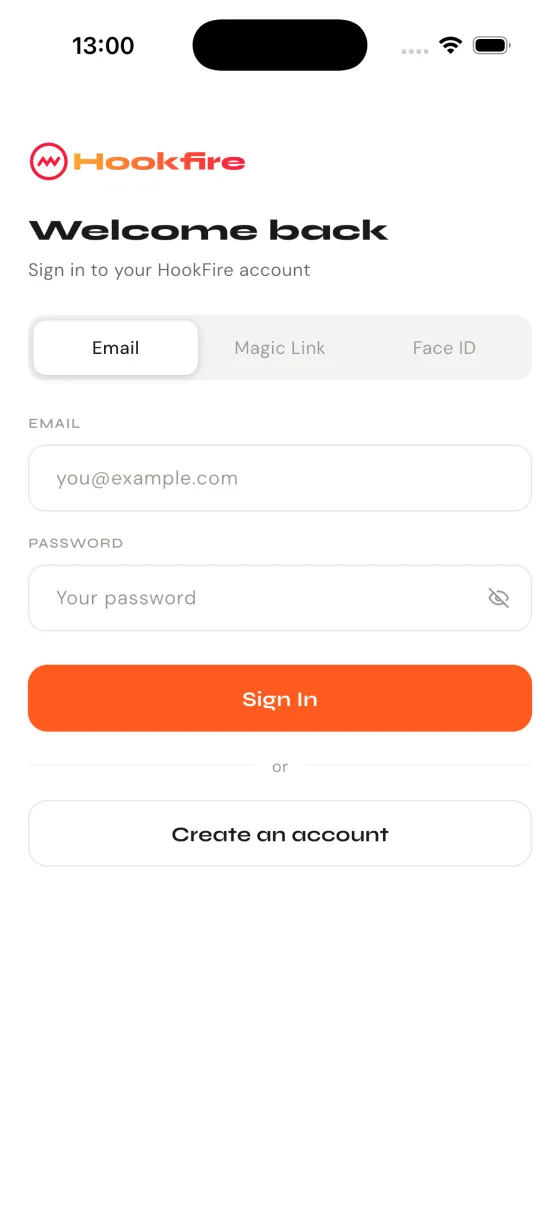
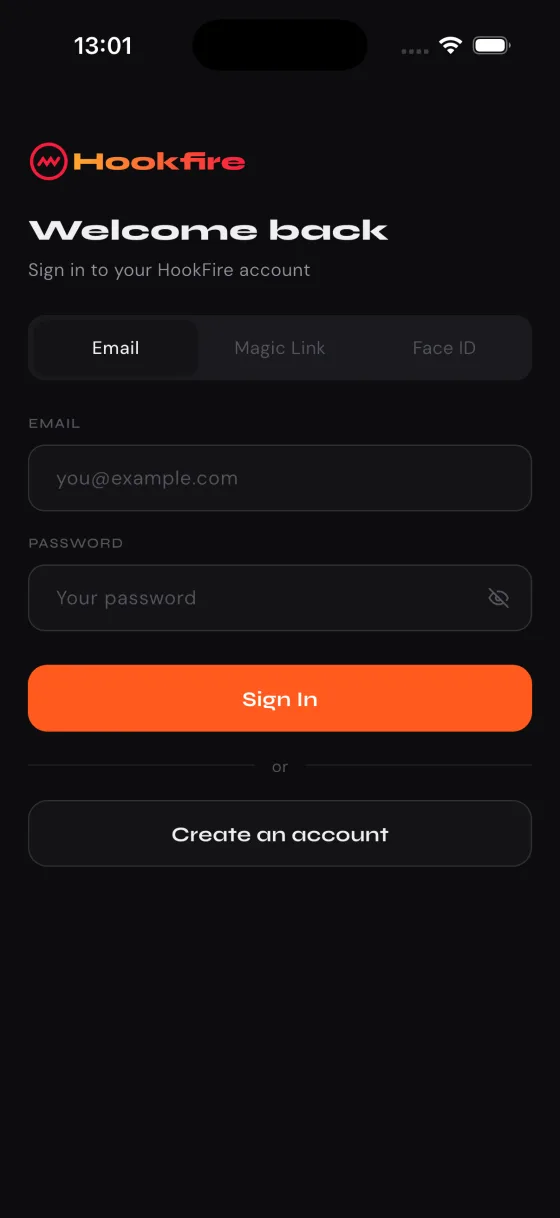
Login
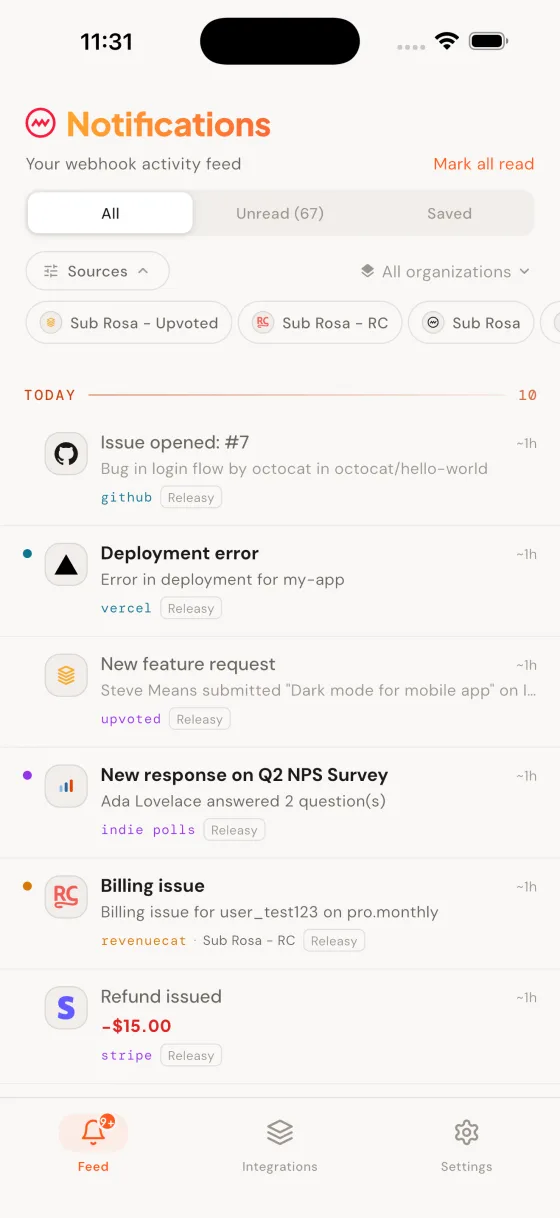
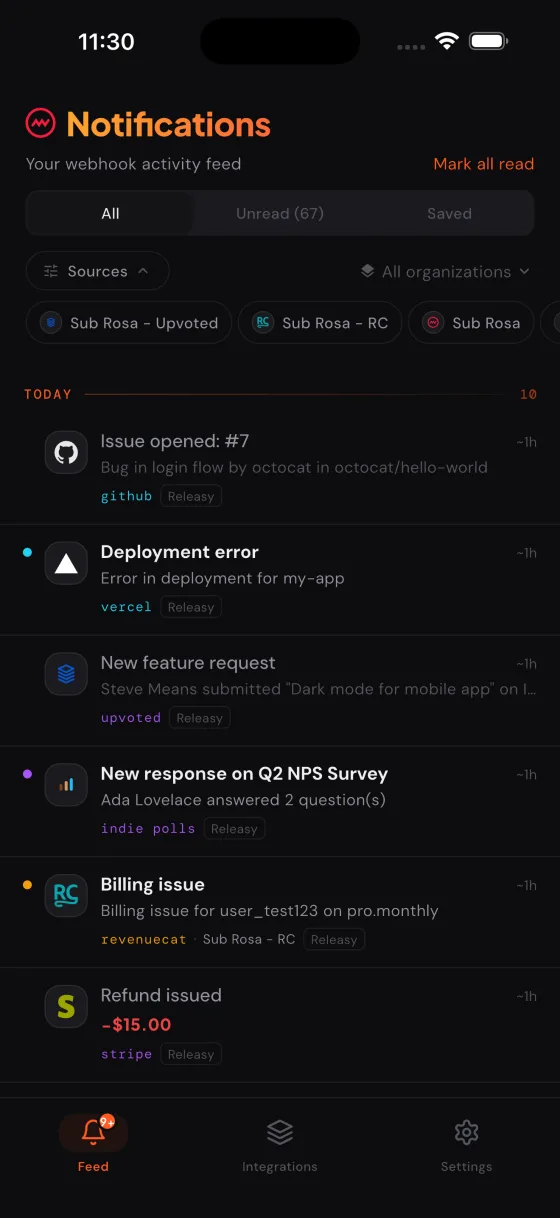
Notifications
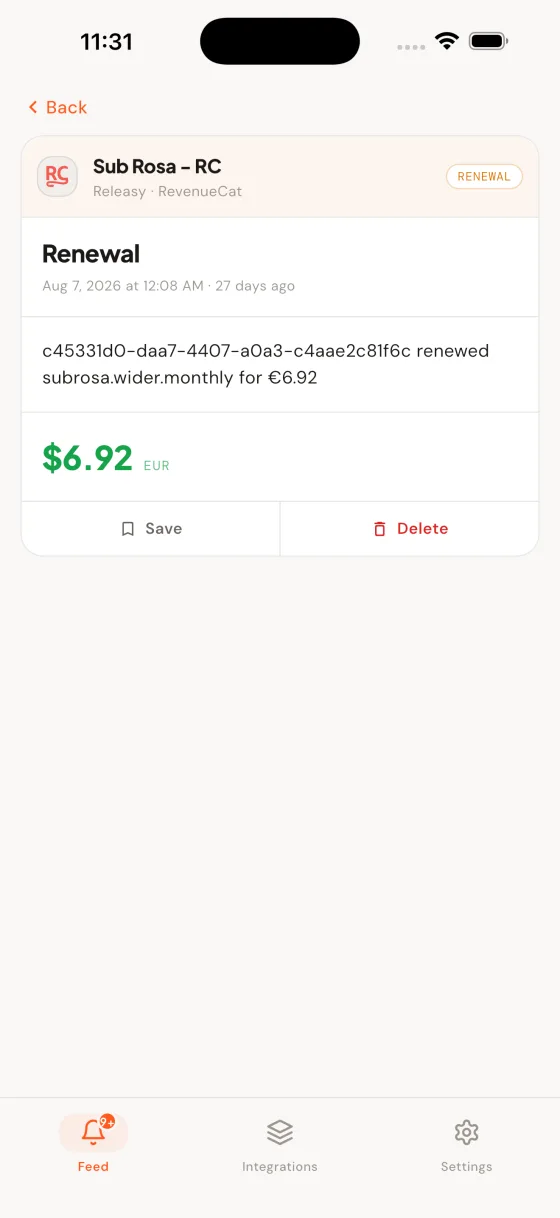
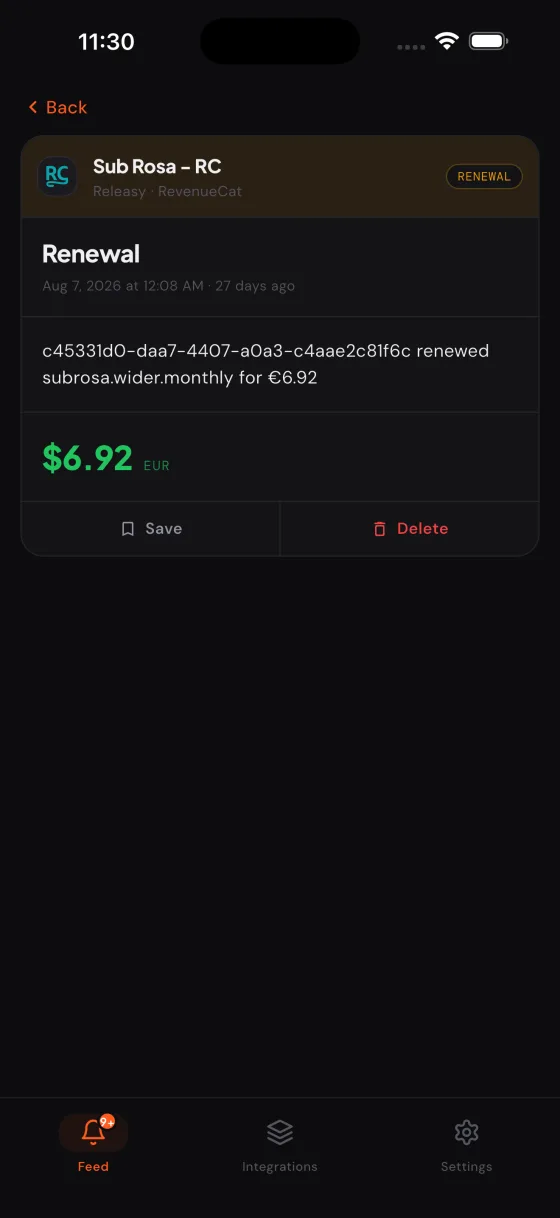
Event Detail
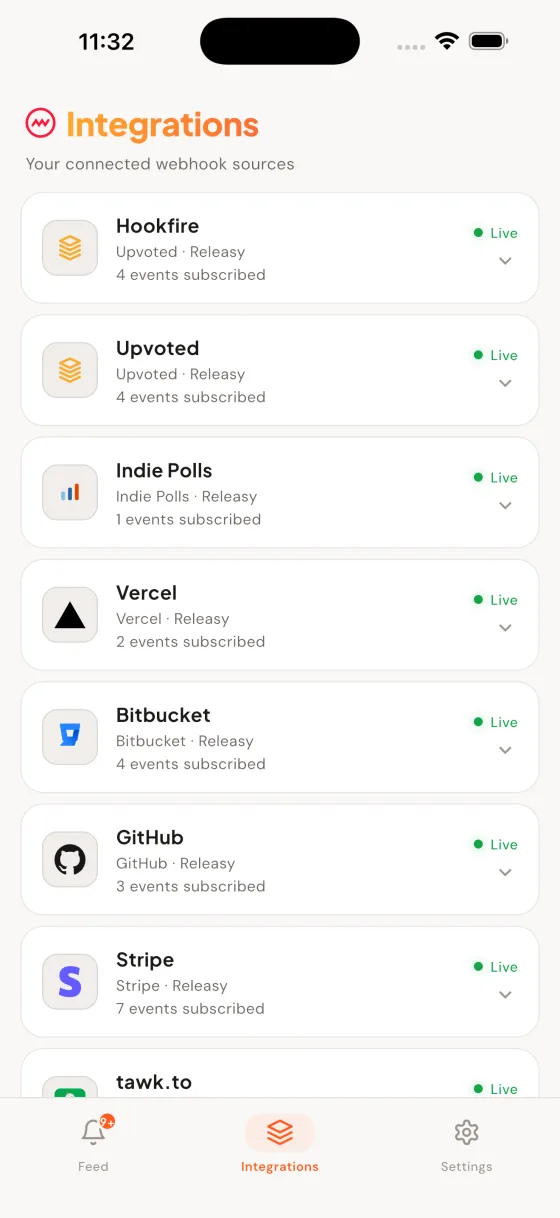
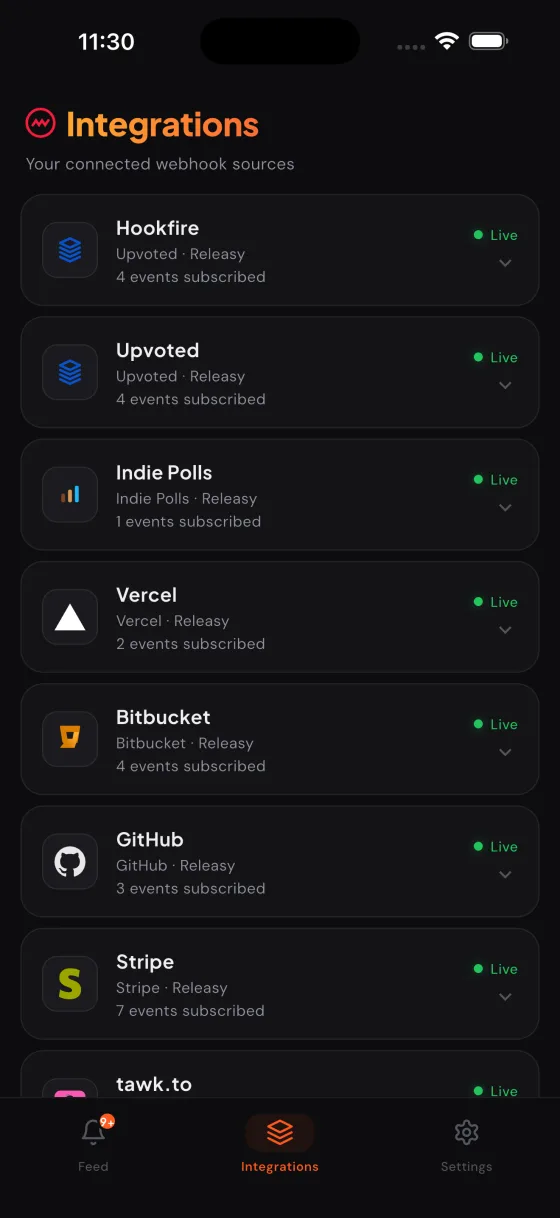
Integrations
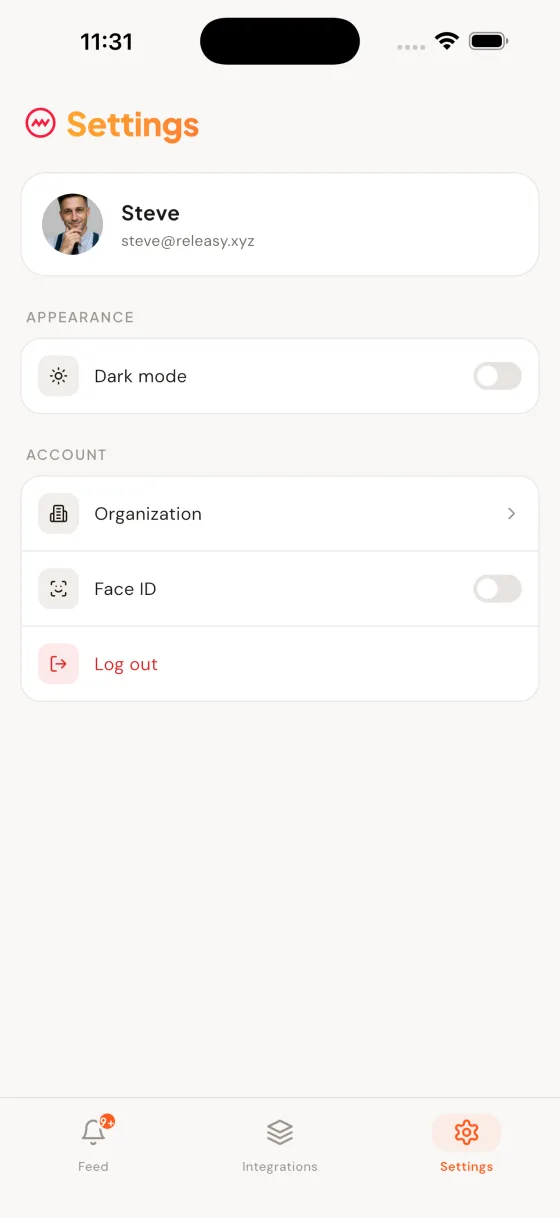
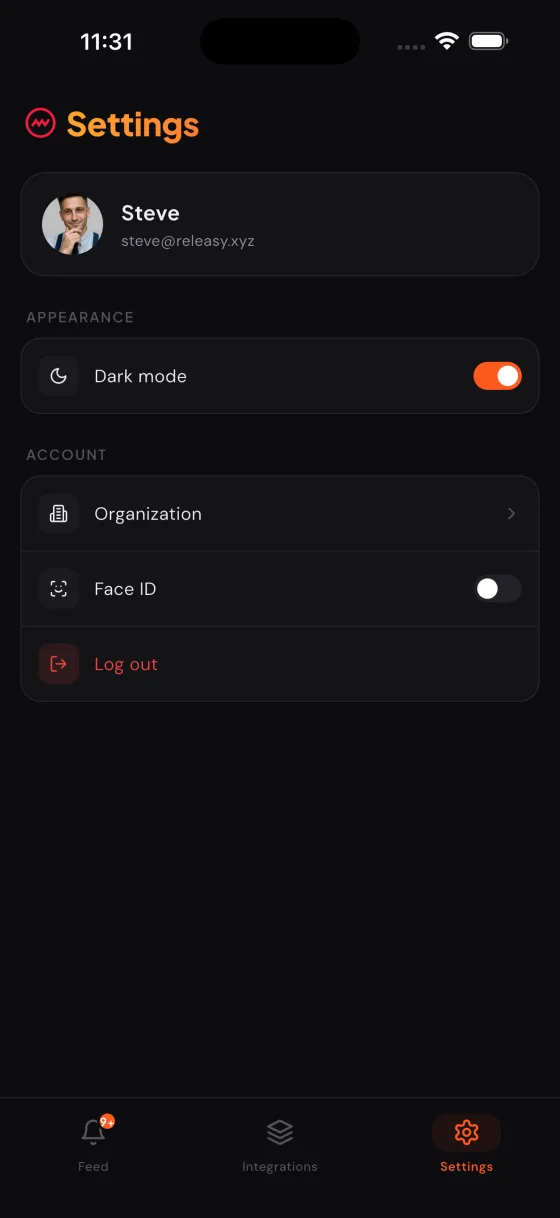
Settings
Simple Setup
Setup in less than 2 minutes
Pick a source and Hookfire gives that integration its own webhook URL.
Stripe, Zendesk, GitHub, or any service that can send a webhook.
Notifications land on your phone the second something important happens.
Integrations
Ready to use integrations with the tools you already love
 Stripe
 Square
 Paddle
 Shopify
 WooCommerce
 GitHub
 Vercel
 Sentry
 Linear
 Jira
 PagerDuty
 Datadog
 CircleCI
 Supabase
 Resend
 Postmark
 Zendesk
 Intercom
 Crisp
 Upvoted
 Indie Polls
 Calendly
 Typeform
AI assistants
Hookfire runs an MCP server, so an AI assistant such as Claude or ChatGPT can read your notifications and act on them, as you.
On MaxIt counts events per integration and event type, up to 90 days back.
It opens a notification with the values Hookfire read and its link, just as the app shows it.
It marks notifications read, and acknowledges a critical alert so it stops repeating for you.
It can also mute an integration or send a test event to check a setup end to end.
Connected in a minute
It is https://hookfire.app/mcp, and it is also in your settings, under MCP server.
As a custom connector in Claude or ChatGPT, or as a remote server in Claude Code, Cursor or another MCP client.
Your assistant opens Hookfire, you sign in and approve it, and it is connected. You can revoke it from your settings.
A client that cannot sign in takes a personal token from your settings instead. It is for organization admins, and works in each organization on Max where you are one.
Wall of love, coming soon
Tell us what you think. We'll feature you here.
Send your thoughtsWhy Hookfire
Built for



You're looking at Hookfire. The Releasy Suite adds Upvoted and Indie Polls. One login, one bill, every app unlocked.
Simple pricing
One plan for a small team, one for everything.
For a small team keeping an eye on a few services.
$19 / month
Sign up now$190 / year
Sign up nowUnlimited everything, with team controls, email and exports.
$39 / month
Sign up now$390 / year
Sign up nowOne subscription that unlocks Hookfire, Upvoted and Indie Polls on Max plan.
$69 / month
Sign up now$690 / year
Sign up nowStart with a 7-day free trial on Max. No credit card required.
Everything Pro does, plus filters, analytics, team controls, forwarding and an MCP server.
FAQ
No. Hookfire gives you a webhook endpoint and sends notifications to your phone.
Yes. Stripe, GitHub, Zendesk, Crisp, Shopify, and 49 more. On Max, anything that can send a webhook works through a custom source.
A couple of minutes for most users. Your first test notification lands immediately.
Payments, customer messages, deploys, and events. Delivered to your phone in real time.
Build a community where users provide feedback, vote, and discuss the product features that truly matter to them. Request features from anywhere with the one line embeddable widget.
Indie friendly lightning fast polling you can embed anywhere or share with one click. Generate polls with AI in seconds, get detailed stats, and configure everything in seconds.

A text RPG of private descents. AI generates a fresh dungeon in real time every playthrough, shaped by your choices and never repeated.